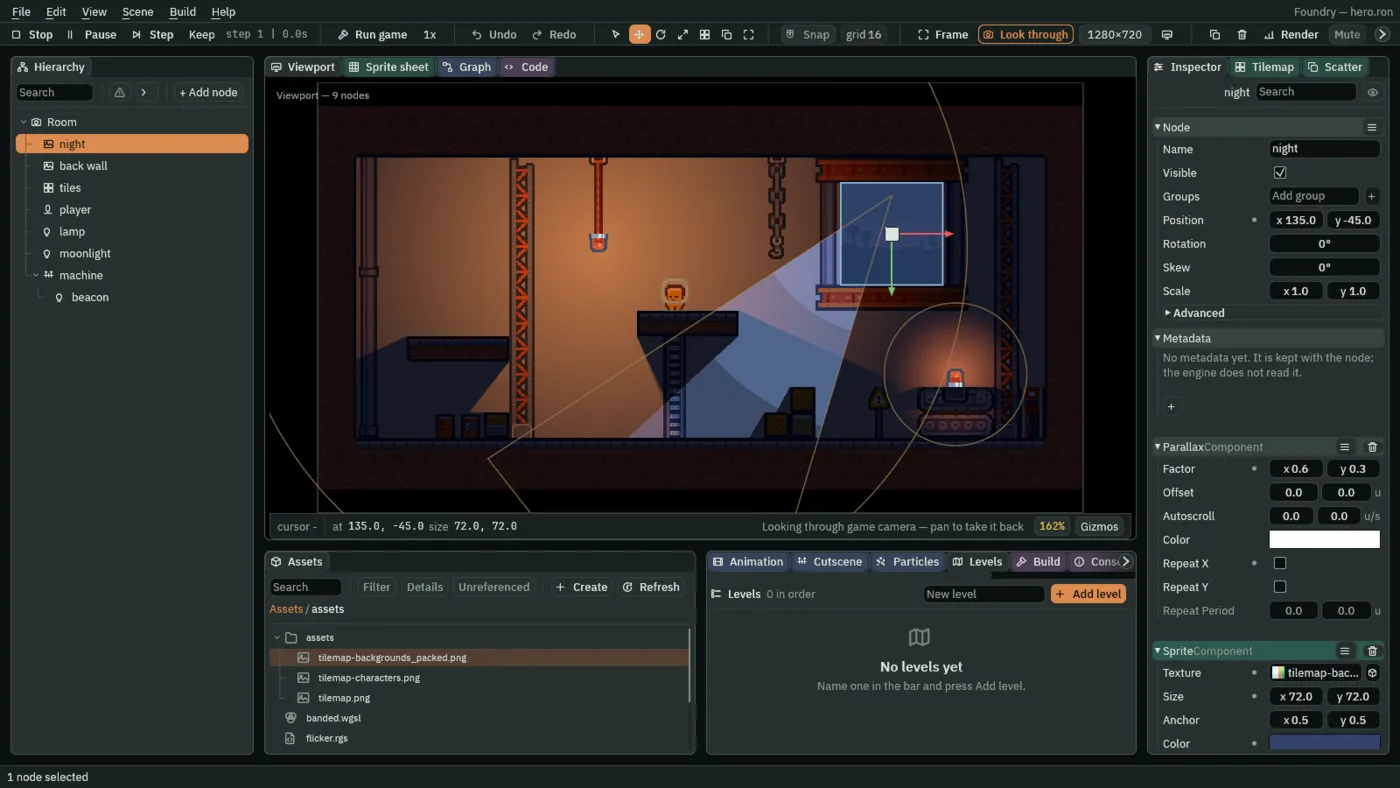
The editor
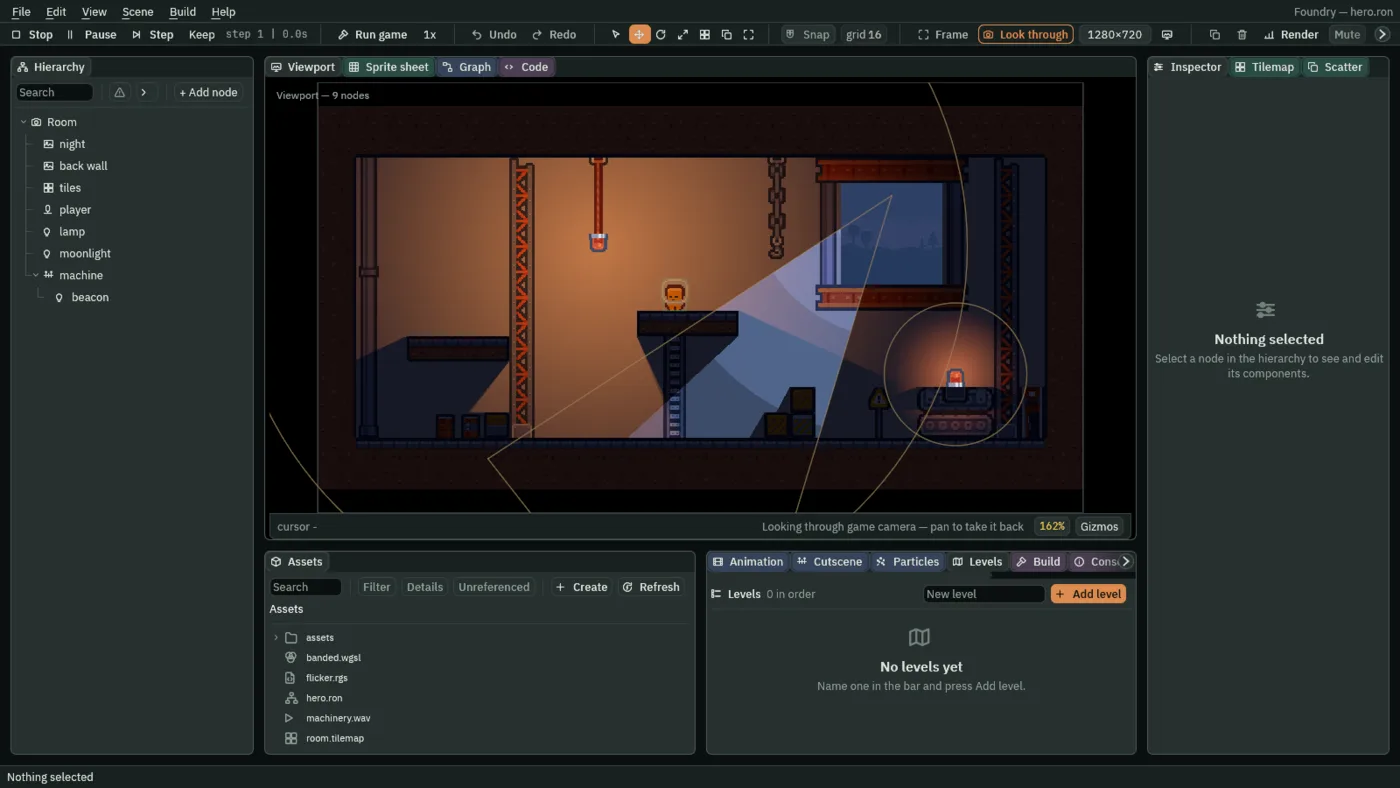
One window for building, playing and exporting. A room is a tree of nodes; the hierarchy, assets and inspector sit around a viewport that can run the game in place.
Decision record
The plan locks its big choices early and records why. These are the ones that shape everything else.
Rust
A deliberately simplified style: arena and handle-based nodes instead of reference-counted graphs.
wgpu
D3D12 on Windows, Vulkan on Linux and Android. One abstraction, each platform on its healthy path.
egui
Permanently. The editor is a tool, not a product with a design language to maintain.
Scene graph with components
Not ECS. A node, its components and its children.
Rengy Script, two backends
One first-party language over one checked AST: transpiled to a hot-reloaded Rust dylib, or interpreted. A differential test holds the two to identical answers.
Windows, Linux, Android
Nothing else. No iOS, no macOS, no WebAssembly, no consoles.
No Lua, Rhai or WASM
Game logic is Rust or Rengy Script. Nobody else’s language, nobody else’s VM.
Rengy Script
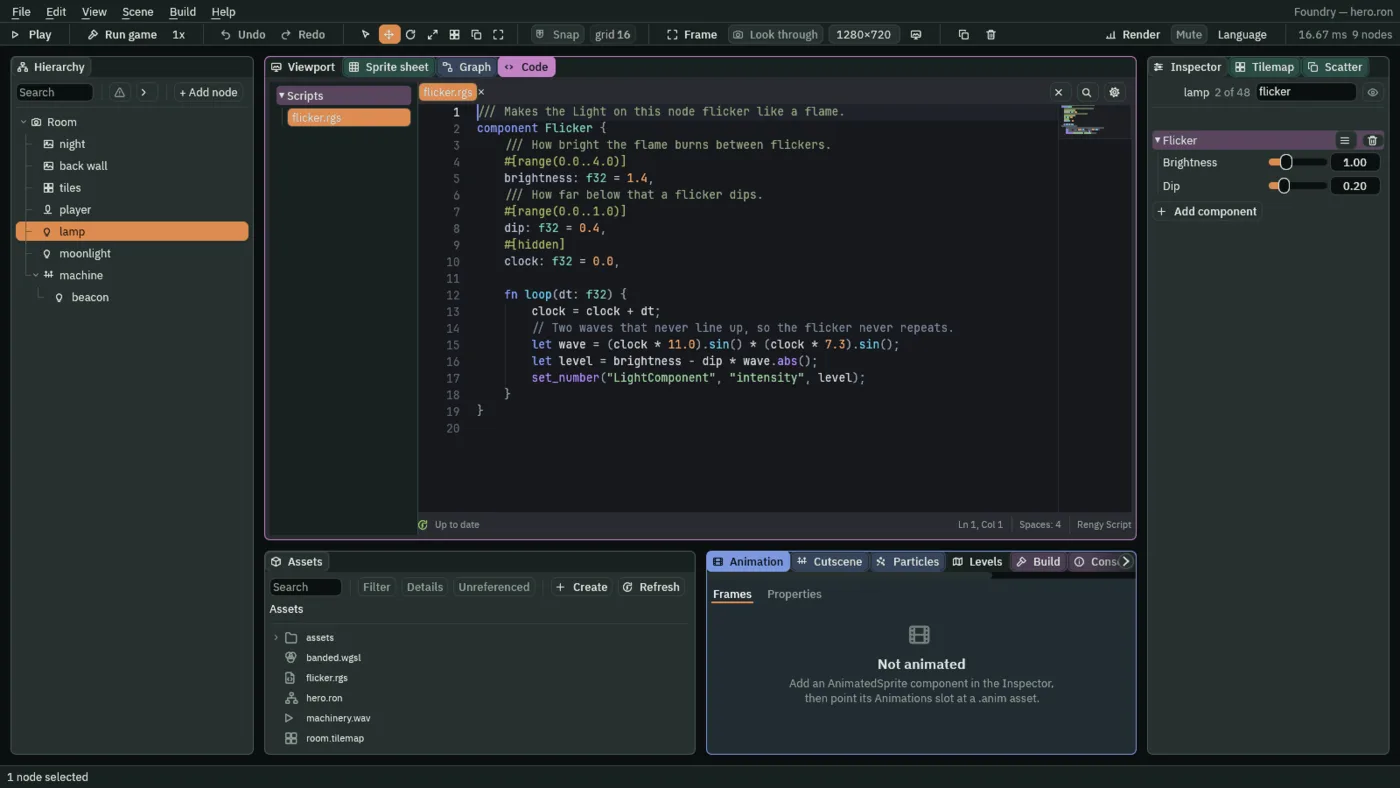
A script is a component, and its fields show up as rows in the Inspector. One language, one checked AST, two backends: transpile to Rust and hot-reload it as a dynamic library, or interpret it directly for an author with no Rust toolchain.
The two backends are held to identical answers by a differential test. That gate is the design. There is no bytecode VM, no garbage collector and no second type system.
What it does
An overview of what the engine runs today, by area. The full list, with the guides behind each line, is on rengy.splimter.com.
Editor
- › Dock, stack and float panels; each project keeps its layout
- › Play, pause and step inside the editor
- › Run game through the same player an export ships
- › Artifacts: save a node once, place copies with per-instance values
Scripting
- › Scripts are components; their fields are Inspector rows
- › Hooks, and await on a delay, a signal or an anneal
- › Anneals and pulses along any of 45 curves
- › Controls named as actions and bound to keys
Light and shadow
- › Point, cone, directional, sprite and freeform lights
- › Shadows from occluders and tiles, nothing baked
- › Ambient light and light channels
- › Normal maps generated in the editor
World
- › Scenes as trees of nodes and components
- › Sprites from sheets and framed panels
- › Tilemaps with terrain and solid layers
- › Drawn terrain, masks, cameras and parallax
Motion
- › Character bodies, areas and triggers
- › Sprite animation, keyframes and state machines
- › Bones, joints and cutscenes
- › Paths, navigation and forces
Effects
- › Shader materials on sprites and lights
- › Bloom and colour grades
- › Particles, with forces, trails and materials
- › Minimaps, monitors and clip rectangles
Sound
- › Sounds positioned in the room
- › Music and bus volumes
- › Mixes and sound zones
- › Music that reacts to the game
Interface
- › Canvases and anchors that hold at any screen size
- › Buttons, sliders, toggles, dropdowns and text fields
- › Dialogs, menus, scrolling lists and drag and drop
- › Localization, drawn in an exported game too
Shipping
- › Export a game as a folder you can zip and send
- › Levels played in order, with win and lose
- › Saving and save slots
- › A Console and debugging tools